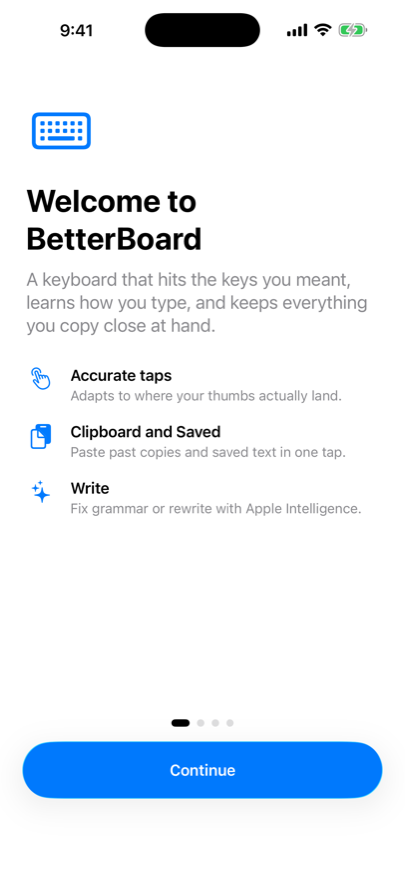
A keyboard that hits the keys you meant.
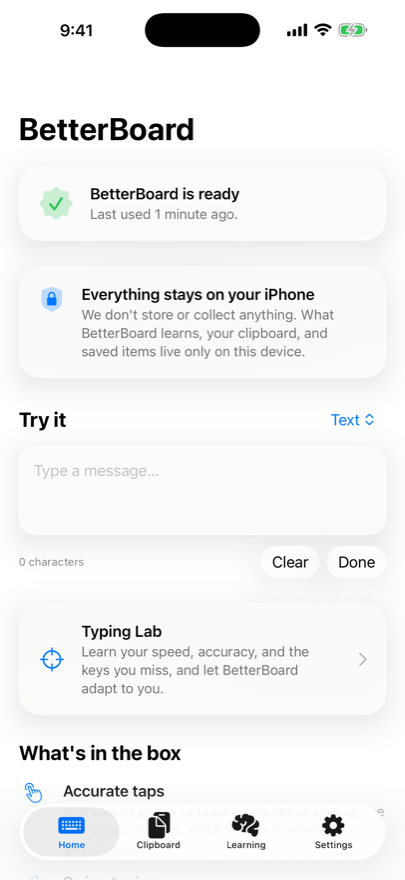
BetterBoard learns how you type, adapts to where your thumbs land, and keeps everything you copy one tap away. All of it on your iPhone, none of it anywhere else.
For iPhone. Requires iOS 26 or later.
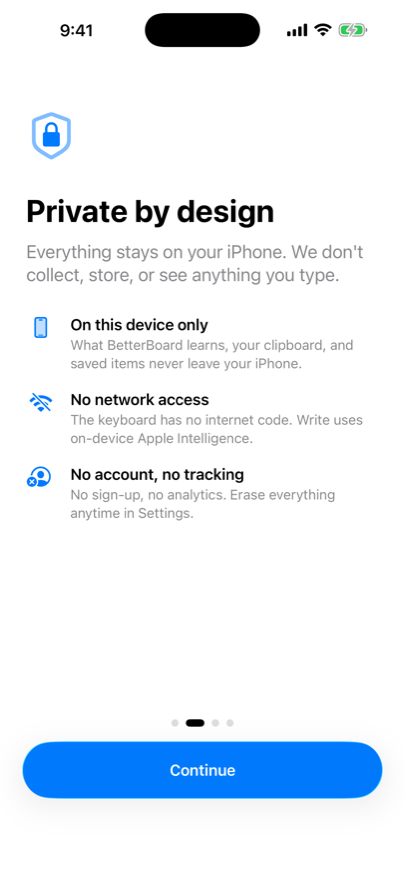
Private by design
Everything stays on your iPhone.
A keyboard sees everything you write, so BetterBoard is built to see none of it. Nothing is collected, stored or sent anywhere.
- On this device only
- What BetterBoard learns, your clipboard and your saved items never leave your iPhone.
- No network access
- The keyboard has no networking code at all. Write runs on on-device Apple Intelligence.
- No account, no tracking
- No sign-up and no analytics. You can erase everything at any time in Settings.
What's in the box
The small things you hit hundreds of times a day, done properly.
Accurate taps
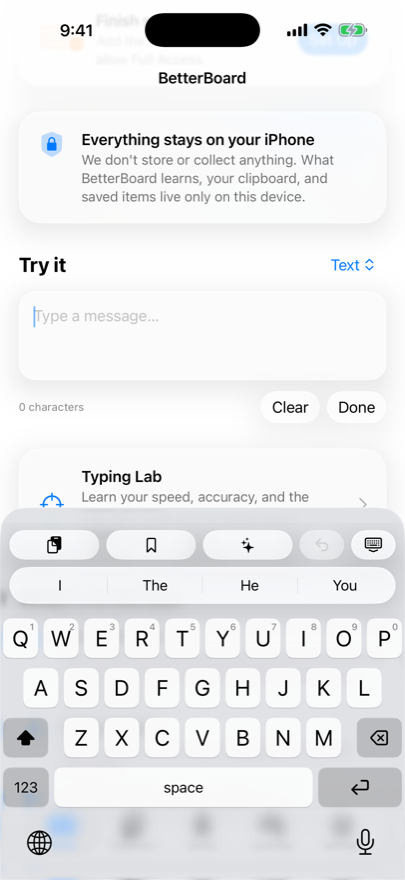
Every point on the keyboard belongs to exactly one key, gaps included, and it adapts to where your thumbs actually land.
Swipe typing
Glide across the letters and tap a suggestion to swap the word.
Autocorrect you can undo
Backspace right after a correction puts back exactly what you typed.
Clipboard history
Everything you copy, ready to paste again. A fresh copy, and any code, email or link inside it, shows up in the suggestion bar.
Saved items
Keep the emails, addresses and phrases you type constantly, and insert them with one tap.
Write with Apple Intelligence
Fix grammar, or rewrite a paragraph friendlier, more professional or shorter. On device.
Faster delete
Hold delete to speed up to whole words, or slide left from delete to erase them. Slide back to restore.
Numbers without switching
Hold a top-row letter to type the number above it.
Space-bar trackpad
Hold or drag the space bar to move the cursor exactly where you want it.
Learns privately
Picks up your words on device, and only from what you actually type and keep.
A look around
Three steps to set up
- 1
Install the app
BetterBoard installs like any other app and walks you through the rest.
- 2
Add the keyboard
Settings → General → Keyboard → Keyboards → Add New Keyboard, then pick BetterBoard.
- 3
Turn on Full Access
This lets the keyboard share what it learns with the app. Your data still never leaves the device.